DISCOVER / RESEARCH / CONNECT
Anya
SEARCH AN EMAIL, USERNAME, PHONE, OR PLATFORM ID
02 / FOLLOW THE BRANCHES
Every lead
has branches.
Click a branch to see how its search works. A username can lead to an account. An email can reveal exposure. Start with one identifier, explore related signals, and follow the branches worth investigating.
03 / PHOTO GEOLOCATE
From a photo.
To a place.
Explore location clues in a street scene. Photo Geolocate estimates a region and refines candidate locations where coverage allows, so you can review the map context and confidence.
DATING PROFILE SEARCH
Is your partner
on dating apps?
Explore profile and handle searches across the dating apps available in Anya. Choose an app, start with a username or profile link, and review the source context.
A match can be outdated, mistaken, or an impersonation. It does not confirm current activity or cheating.
Explore Tinder searchUnderstand the context.
Search Tinder handles and profile URLs across breach and OSINT indexes.
- 01
Start with a handle or link
Use a profile identifier you already have. This is an indexed profile search.
- 02
Review what comes back
Compare the source and identifying details. Similar names can belong to different people.
- 03
Keep the finding in context
Treat a profile reference as a lead to review, with its limits and source attached.
THE SEARCH DIRECTORY
What can you search?
62 search options, explained.
Choose a category or search for the tool you need.
Dating Apps9
TinderSearch Tinder handles and profile URLs across breach and OSINT indexes.
Search Tinder handles and profile URLs across breach and OSINT indexes.
Start with: Tinder username or profile link
Open TinderBumbleBumble handle and profile URL intelligence.
HingeHinge profile and handle footprint search.
Hinge LiveLive Hinge recommendations via operator session (Ultimate+). Set location/prefs, hydrate profiles, optional local keyword filter.
Live Hinge recommendations via operator session (Ultimate+). Set location/prefs, hydrate profiles, optional local keyword filter.
Start with: 40.7128,-74.0060 ageMin=22 ageMax=35 distanceMi=25 gender=1 q=alex
Open Hinge LiveMatchMatch.com handle and profile URL pivots.
OkCupidOkCupid handle and profile URL search.
Plenty of FishPlenty of Fish handle and profile URL intel.
Plenty of Fish handle and profile URL intel.
Start with: POF username or profile link
Open Plenty of FishGrindrGrindr handle and profile URL search.
BadooBadoo handle and profile URL intelligence.
INSIDE ANYA
See the tools.
Follow the workflow.
The tree shows the connections. This is the workspace you use to investigate them.
KEEP THE INVESTIGATION TOGETHER
Every search. One case.
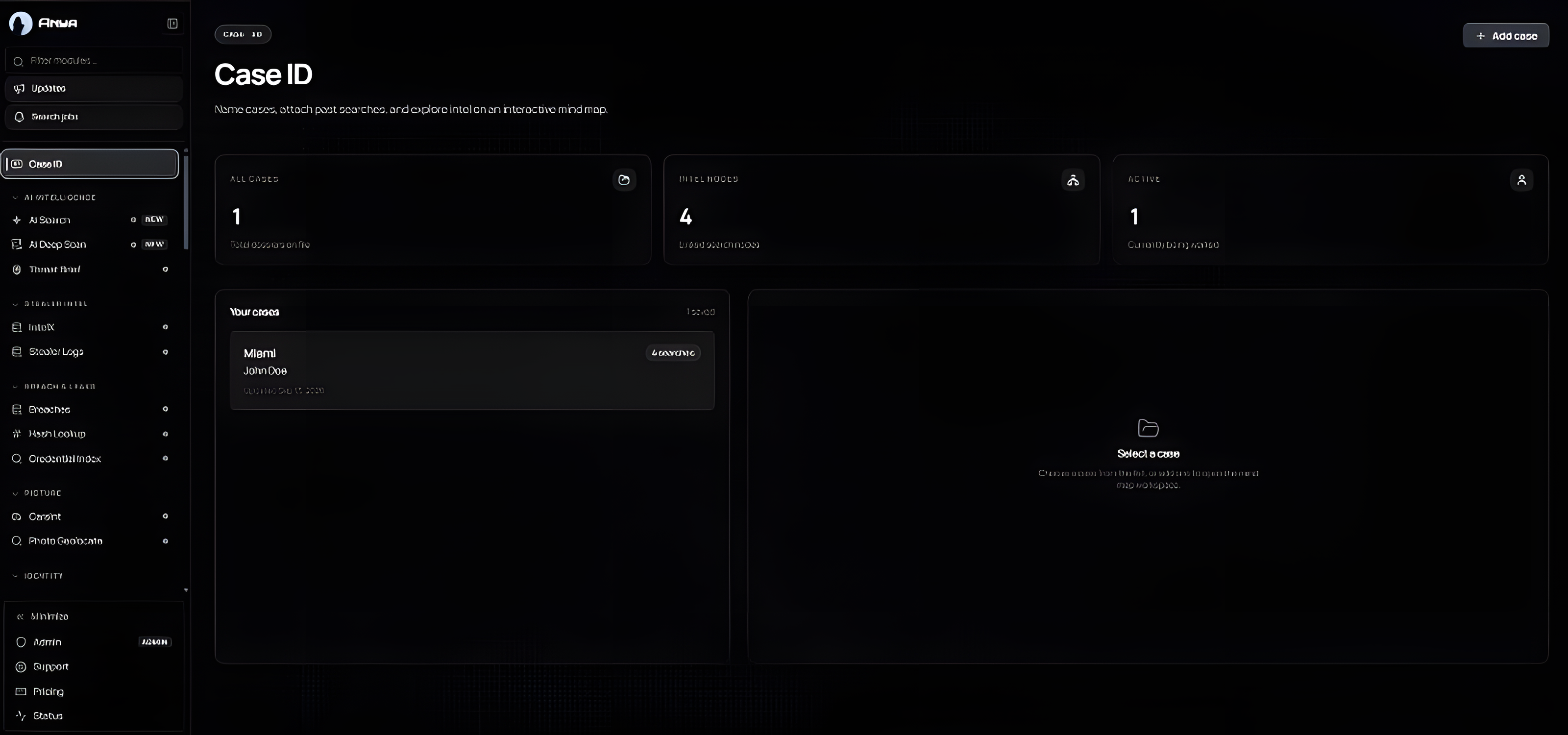
Open the tools from the sidebar, keep related searches inside a case, and explore the trail in your case mind map.
- 01Choose a search module
- 02Keep results with the case
- 03Return to the connected trail
YOUR NEXT INVESTIGATION
Start with what you have.
An email. A username. A photo. Choose a tool, review the source, and build from there.